ULC Systems Back Online from Maintenance - Password Reset Required!
ULC’s new Association Management System (AMS) is back online! This means ULC members are again able to log in to the ULC Member Hub, Data Hive, and ULC Academy portal. However, you must take one first step...
As part of the migration, all ULC members will be prompted to reset their password when they first log in.

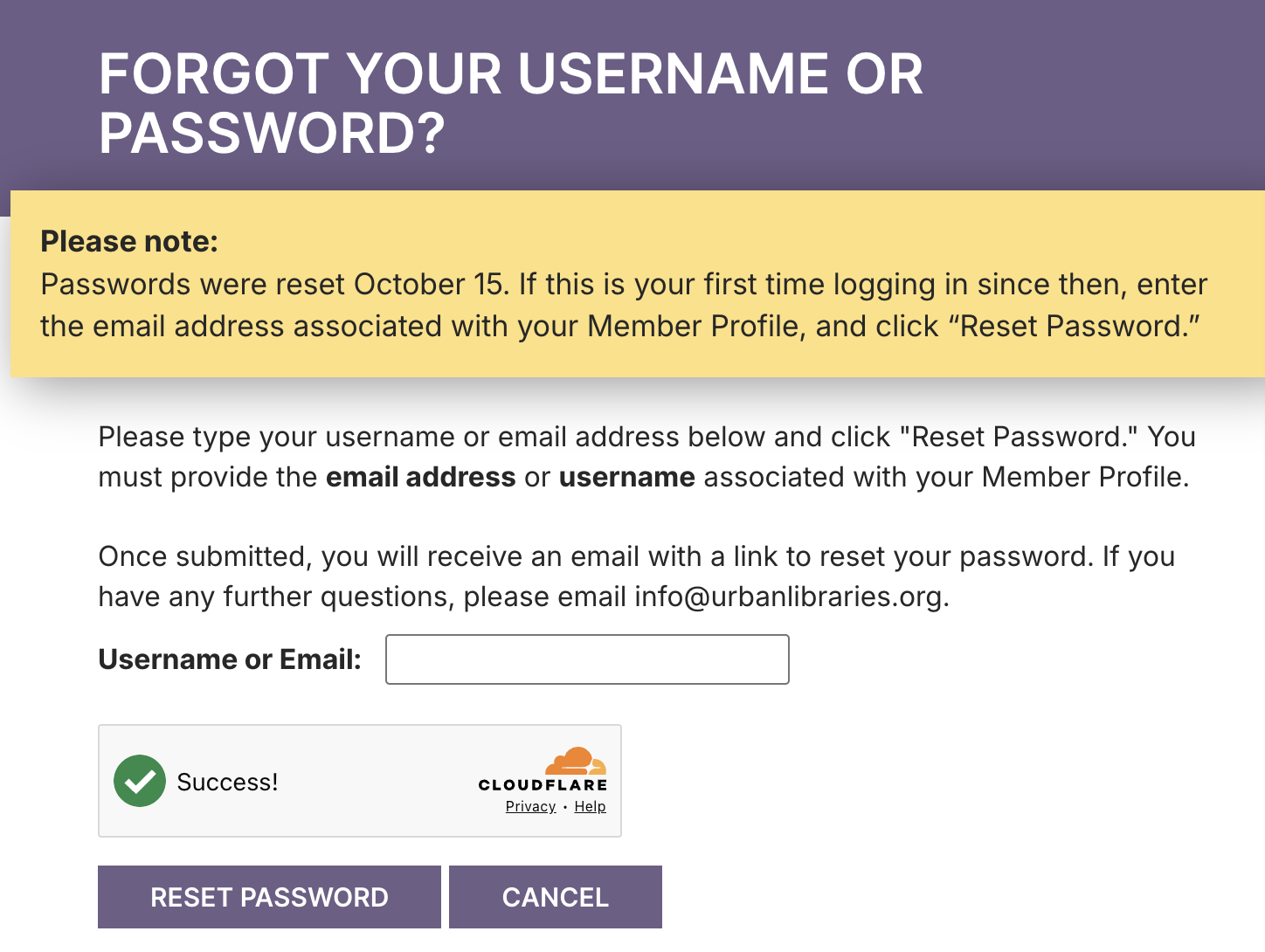
Wherever you are logging in, you will see this page (left). Select either "Click here to create new password" in the banner, or "Forgot your password?" below the sign-in button to reset. You will be taken to the page shown below.
Upon submitting a valid email address, an email will be sent to the address associated with your profile. The email will contain a link back to our website which will allow you to reset your password.
You may need to check your email's Spam filter as this "Reset Password" email may be treated as Spam.
Please Note: Password reset email links expire after 24 hours.